
អានអក្សរ
anaksor, “read the letters”
Khmer OCR for Python. Give it a photo, a scan or a PDF and get the text back in reading order.
pip install anaksor-ocr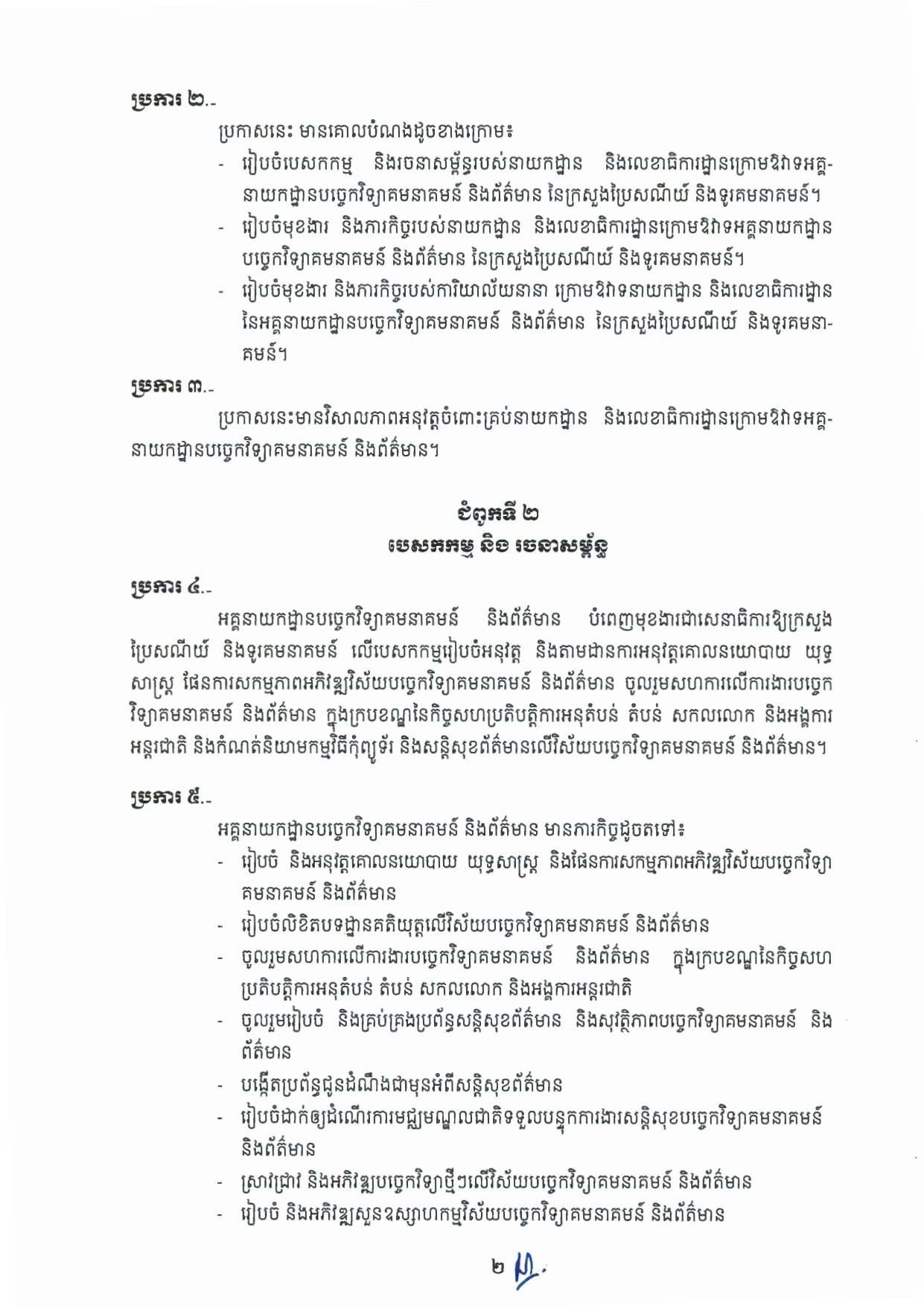
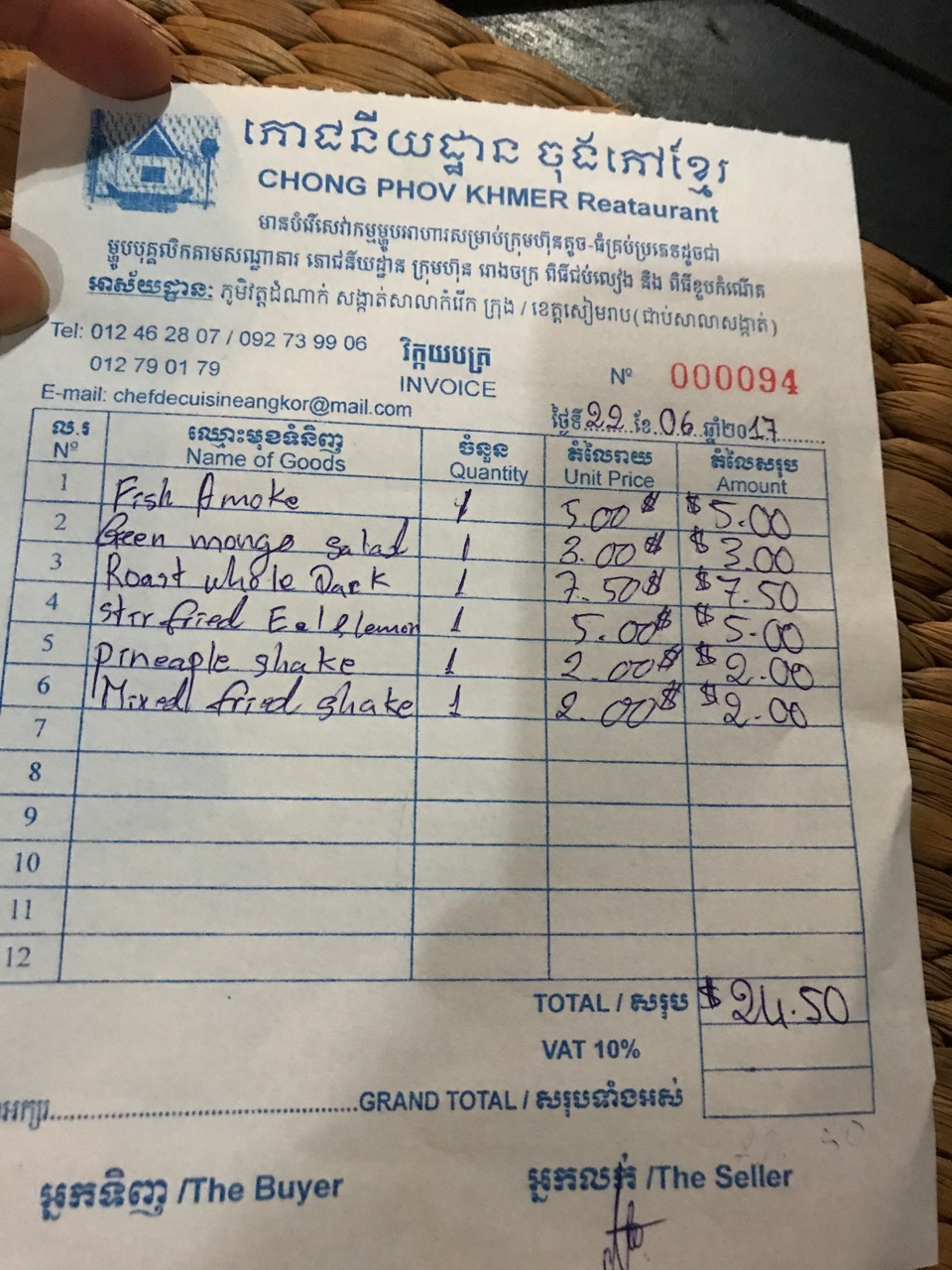
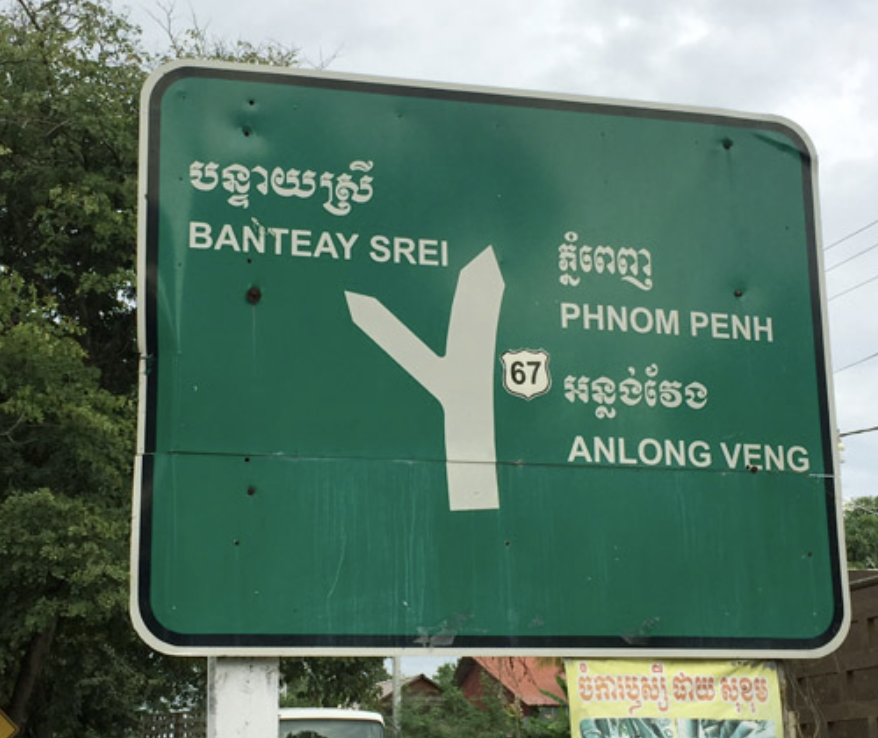
The letter is a public government document; the receipt and sign photos were found through web search and belong to their owners, shown only to illustrate the OCR output. Yours? Ask for credit or removal
Read a page
Connecting to the OCR APIDrop a photo, a scan or a PDF. The boxes show the lines found, numbered in reading order.
Images up to 10 MB, PDFs up to 30 MB (30 pages). Files are sent to the OCR API to be read.
What it does
- Reading order
- Columns, receipts and skewed phone photos come out in the order a person reads them; a price stays on its item's line.
- Whole Khmer clusters
- Subscripts, vowels and signs stay with their consonant, also where a long line is read in pieces and joined.
- Exports
- Plain text, JSON with every line's position and confidence, a searchable PDF, or a Word file with the layout rebuilt.
- On your own computer
- pip install anaksor-ocr runs on ONNX Runtime without PyTorch; add PyTorch for CUDA and Apple GPUs.
How well it reads
| Part | Measured on | Result |
|---|---|---|
| Detection | KhmerST validation photos | precision 0.75, recall 0.79 |
| Detection | English on photos (HierText) | precision 0.76, recall 0.69 |
| Recognition | 3,878 real lines: Khmer, Latin, mixed | 86.7% exactly right, 1.38% character error |
| Recognition | the Khmer-only lines among them | 90.1% exactly right, 0.73% character error |
Printed Khmer, documents, receipts and signs read best. English on photos and handwriting are weaker.
Use it from Python
The same models run in the package, on your own machine.
import anaksor

ocr = anaksor.OCR()
result = ocr("letter.jpg")
print(result["text"])anaksor scan.pdf -o scan.docx
# searchable PDF
anaksor scan.pdf -o scan-searchable.pdf